As an Amazon Associate I earn from qualifying purchases. Links marked “Affiliate link” may earn us a commission at no extra cost to you. Learn more.
Quick answer
A trackball is a stationary device with a ball you roll with your thumb or fingers. It saves desk space and keeps the arm still, and some people use one for games, but it is a different skill from a regular mouse and it is not the fastest choice for every genre. Which one to try depends on ball size, sensor resolution (DPI), button count and connection type. The makers’ listings state some of these, and we have not tested any product, so any performance claim below is the maker’s.
The trackballs we opened on Amazon on 2026-09-30 range from 5.3 ounces for a thumb-operated 54 degree vertical model to 12.7 ounces for a large finger-operated one. One lists a 52 millimeter ball and Bluetooth, USB and wired connection; another lists four DPI levels and rechargeable power. Treat the DPI, latency and polling claims in listings as marketing until you can test the device.
If you mainly want comfort, not games, read ergonomic trackball. If you want a regular mouse, read comfortable computer mouse.
What a trackball is good and bad at
A trackball is good at small, controlled movements, at working in tight space and at holding your arm still. Its weakness for fast games is that quick flicks across the screen take practice, since you roll a ball with fingers rather than sweep an arm. Many people use a trackball for strategy, simulation and slower games and a regular mouse for fast shooters, but preferences vary, and some players do use trackballs competitively. We cannot rank them for you.
The specs that matter
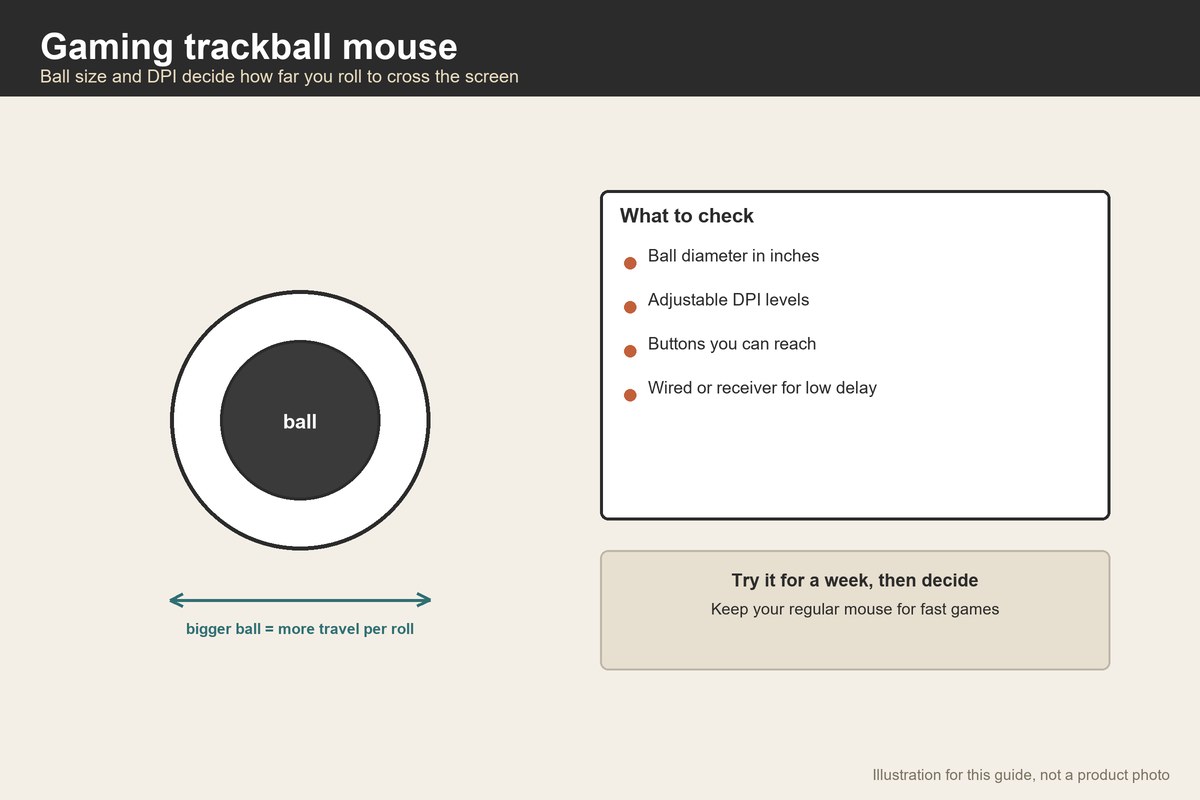
Ball size. Larger balls (the one we read lists 52 millimeters) give finer control and more travel per rotation; smaller balls suit thumb devices. Ball size decides how much thumb or finger travel you need.
DPI. DPI (dots per inch) is how many counts the sensor reports per inch of ball movement. Higher values cover the screen with less movement. The listings we opened list DPI in levels, for example four adjustable levels on one thumb trackball; if a listing does not state DPI, treat it as unknown.
Buttons. More buttons help in games, but you must reach them. Thumb devices put buttons under the fingers. Check the button count and whether they can be remapped in software.
Connection. Wired connections avoid battery and pairing issues. Bluetooth is convenient but may add delay; a USB receiver is often faster. Makers rarely state latency, so if a listing does not, treat it as unknown.
Hand fit and handedness. All the trackballs we opened are right-handed or list right-hand orientation, and one listing shows an ambidextrous variant among options. Left-handed players need to check.
Thumb or finger
A thumb trackball keeps the ball under the thumb and lets the fingers click. It is compact and needs little wrist movement, but thumbs tire. A finger trackball puts the ball in the center, controlled by two or three fingers, and often has a wrist rest. It suits larger hands and long sessions. Try both if you can.
The workplace guidance from OSHA lists trackballs among pointing devices and says selecting and placing the pointer is an important factor in a safe workstation. It does not say a trackball is better; it says to keep the device close to the keyboard, alternate hands where possible and use shortcuts.
Cleaning and upkeep
Balls collect dust and skin oil, and the sensor area can get gritty. Most designs let you pop the ball out. Clean it with a dry or slightly damp cloth, following the maker’s guide. If you game long sessions, plan a weekly wipe.
Setting it up
Place the trackball where your elbow is relaxed and your wrist is straight. The keyboard guidance says shoulders relaxed, elbows near your body and wrists straight. Set the pointer speed low at first and adjust. Give yourself a week of daily use before judging.
A worked example
These are assumed numbers for planning, not listing data. Suppose a trackball has a 52 millimeter ball (about 2.05 inches across), as one listing states. The circumference is π × 52 ≈ 163.4 millimeters, or 163.4 ÷ 25.4 ≈ 6.43 inches.
At 800 DPI (an assumed setting), one full rotation of the ball reports 6.43 × 800 ≈ 5,146 counts. If your operating system maps one count to one pixel at default sensitivity, a screen 2,560 pixels wide takes 2,560 ÷ 5,146 ≈ 0.5 of a rotation to cross.
Now assume a smaller 34 millimeter ball (about 1.34 inches across, not from a listing): circumference π × 34 ≈ 106.8 millimeters or 4.2 inches. At the same 800 DPI, one rotation gives 4.2 × 800 ≈ 3,360 counts, so crossing the same screen takes 2,560 ÷ 3,360 ≈ 0.76 of a rotation. That is about 52 percent more rotation ((0.76 − 0.5) ÷ 0.5).
The point is that ball size and DPI together decide how far you must roll. Choose a DPI you can adjust rather than a headline number.
How to test before committing
Buy where returns are easy. Use it for work for a week, then for a slow game, then for a fast one. Note thumb or finger fatigue. If it does not click after two weeks, return it. Keep your regular mouse for games where it wins.
Sizes in inches, for a hand check
Ball size is easier to judge in inches. The 52 millimeter ball on one listing is about 2.05 inches across (52 ÷ 25.4). A smaller 34 millimeter ball is about 1.34 inches. Hold a coin or a ball of that size between your thumb and two fingers to feel the difference. A ball about 2 inches across suits a larger hand and finger control; a ball about 1.3 inches suits a thumb.
Comparing a trackball with a regular mouse for games
A regular mouse moves your arm across a mouse pad, and the distance you move relates to the distance on screen. A trackball rolls a ball, so the relationship is between ball rotation and screen distance. Players who like large arm sweeps for aiming find a trackball limiting; players who like small precise movements may enjoy it. Neither is universally better, and we have not tested any product.
A simple testing routine
Spend a week doing tasks you know well, such as browsing and editing, before you play. Then play a slow game for a few evenings. Then try a fast game. Track what feels awkward: the thumb, the fingers, the wrist or the shoulder. If a button is out of reach, check whether the software lets you remap it. If a game demands quick 180 degree turns, expect a learning period. Keep your regular mouse at hand.
What the listings usually do not say
Listings for trackballs rarely state latency, polling rate or sensor model in the text we read. Bluetooth adds delay compared with a wired or USB receiver connection in many setups, but the amount varies, so we cannot give a number. If low delay matters, choose a wired or receiver connection and test it. Read the return policy before ordering.
Budget without prices
We leave prices out, since Amazon changes them often. Compare the total cost: the trackball, a wrist rest if you want one and a return window. A cheaper device that you return because it does not fit your hand costs you time. A trackball that you keep and use daily is worth more than a feature list.
Handedness and hand size
Most of the trackballs we opened are right-handed, so left-handed players should look for a mirrored or ambidextrous version. Hand size matters too: a large ball of about 2 inches needs space for the fingers, while a compact thumb model at 5 inches long or less suits smaller hands. Try to match your hand length and the device length within about 1 inch, and buy where returns are easy.
Mistakes to avoid
- Trusting a DPI claim. Adjust and test.
- Ignoring hand size. A large finger ball on small hands tires.
- Skipping the button check. Reach matters.
- Judging after one evening. Give it a week.
- Expecting instant flick shots. They take practice.
- Forgetting cleaning. Dust changes tracking.
When to skip it
If you play fast games where quick sweeping matters most and you have no comfort issue, a regular mouse may serve better. If you have wrist pain, ask a clinician first.
Related guides
See ergonomic trackball, comfortable computer mouse and table ergonomics.
Frequently asked questions
Can you game with a trackball?
Yes, some people do, but it needs practice and suits some genres better than others.
Is a bigger ball better?
It gives finer control and more travel per rotation. It also needs a larger hand.
What DPI should I use?
Start with a moderate setting and adjust. Compare using the ball-travel arithmetic above.
Wired or wireless?
Wired avoids battery and pairing issues; wireless is tidier. Latency is rarely stated in listings.
Are trackballs left-handed?
Most we saw are right-handed, with an ambidextrous variant on one listing.
Bottom line
A gaming trackball mouse is worth trying if you like the shape and can return it. Compare ball size, adjustable DPI, buttons and connection, and give it a week before judging.
Products worth checking
We have not tested these products. Sizes and features come from the Amazon listings, checked on September 30, 2026; where a listing does not say, we say so.
Logitech MX Ergo S Advanced Wireless Trackball Mouse
The listing gives 12.7 oz. We re-opened the page on September 30, 2026 and found these figures; other details are on the product page.
- Good for: a large, weighty finger-and-thumb trackball.
- Keep in mind: it is heavy and right-handed, and the text we read gives no ball size or latency.
ELECOM Huge Plus Wireless Trackball Mouse, 52mm Large Ball
The listing gives 10.3 oz; 52 mm ball. We re-opened the page on September 30, 2026 and found these figures; other details are on the product page.
- Good for: a large-ball finger trackball with a wired option.
- Keep in mind: the wired option suits games, but the listing gives no latency figure.
Nulea M506 Wireless Trackball Mouse, 54 degree Vertical Thumb Control
The listing gives 5.3 oz; 54 degree vertical. We re-opened the page on September 30, 2026 and found these figures; other details are on the product page.
- Good for: a compact vertical thumb trackball.
- Keep in mind: thumbs tire in some people, and the listing does not state a polling rate.
Sources checked
- Computer Workstations eTool: Pointer/Mouse
- Computer Workstations eTool: Keyboards
- Logitech MX Ergo S Advanced Wireless Trackball Mouse
- ELECOM Huge Plus Wireless Trackball Mouse, 52mm Large Ball
- Nulea M506 Wireless Trackball Mouse, 54 degree Vertical Thumb Control
Specifications checked on September 30, 2026. Product details and availability can change, so confirm on the product page before you buy.